My Dashboard
Dashboard
The dashboard is a page that displays all data related to learning. It shows the learner's learning status report and allows users to view and easily access recently used classrooms, libraries, and cloud services.
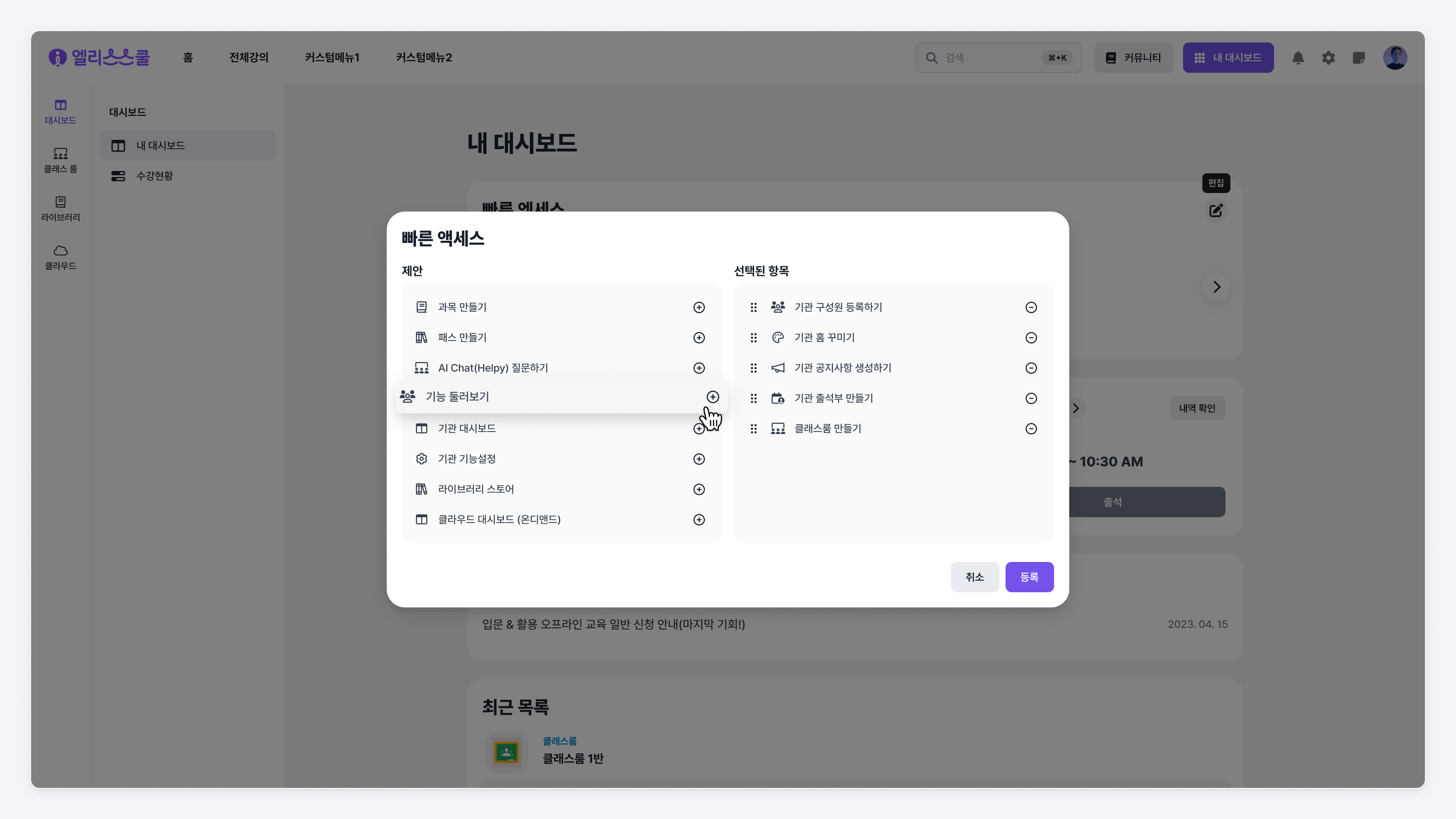
Quick Access
A feature that allows quick access to desired menus, which users can customize freely.
- Quick Access Settings
- Click the 'Edit' button on the right side of Quick Access.
- Add features to use in the ‘Suggestions’ section of the Quick Access Edit dialog.
- Click the ‘Save’ button to complete the Quick Access editing.
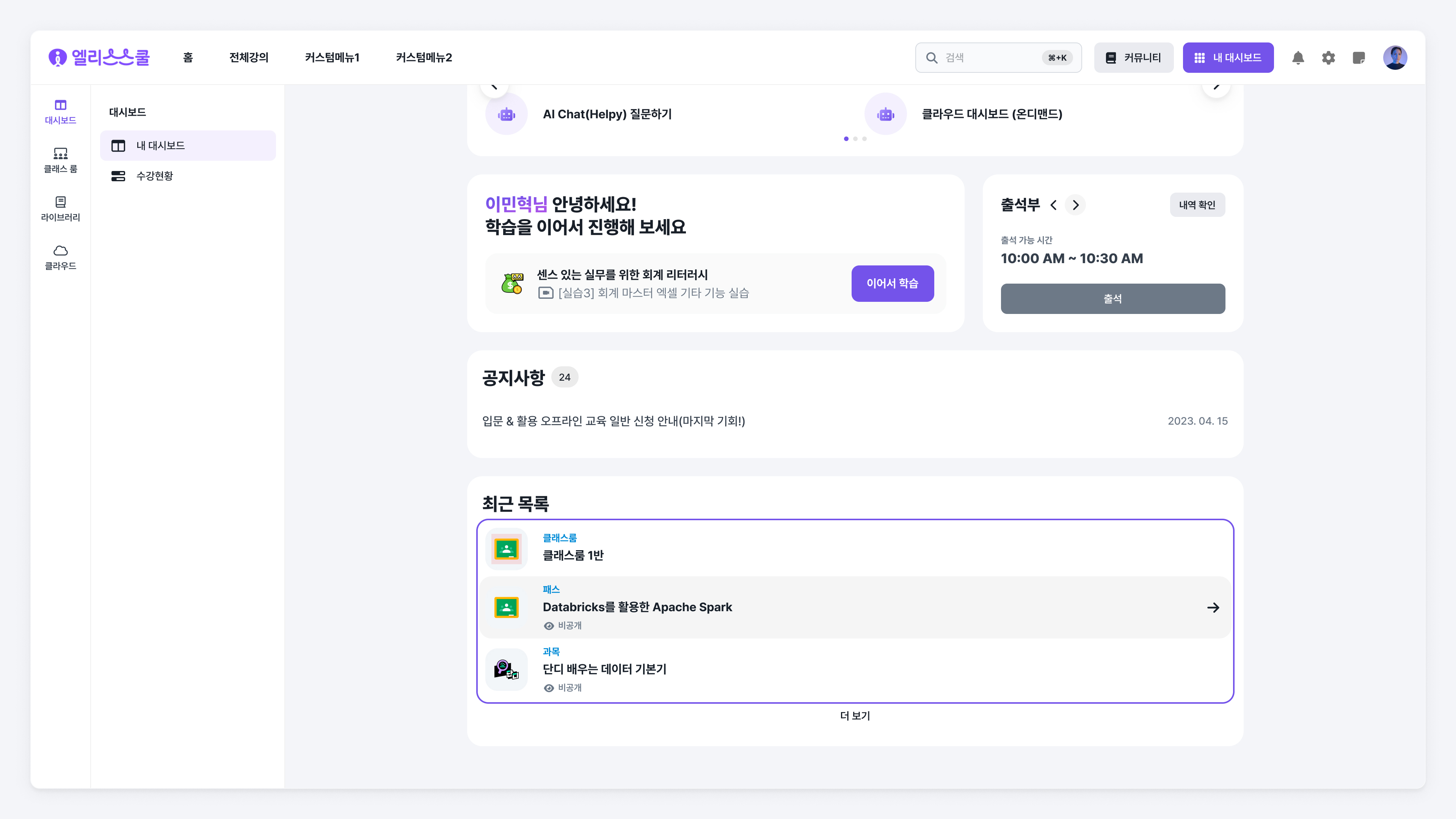
Recent List
An area that shows recently accessed content and services. You can view the recent usage logs of educational content such as classrooms, paths, subjects, tests, challenges, and cloud services like on-demand projects and ML APIs.
Classroom
The classroom is a space for managing students and conducting learning at the class unit level. It allows effective management of class members and educational content. Please check the classroom manual for more details.
[Link] Educator Classroom Manual
Library
The library is a repository of reusable educational content. Libraries can be registered based on subjects and learning materials that are available for use by my institution or the entire institution.
Cloud
Elice Cloud is a GPUaaS platform providing Elice projects and Elice GPU on-demand services. Please check the cloud manual for more details.